Windows helper notes
This document describes two Windows tasks that UPDD instructions and troubleshooting requests often need: opening an administrator command window, and exporting a branch of the Windows registry.
Administrator command window
Some UPDD commands, and some troubleshooting requests, need to run in a Windows command window with administrator rights. This is how one is opened in Windows 10; other Windows versions are similar:
| Step | Example |
| Search for the command prompt (cmd) | 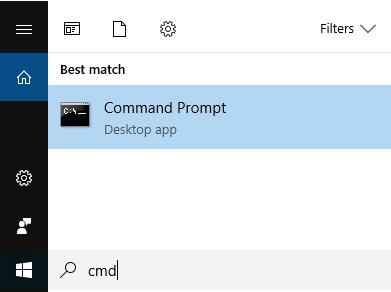 |
| Right click it and select Run as administrator | 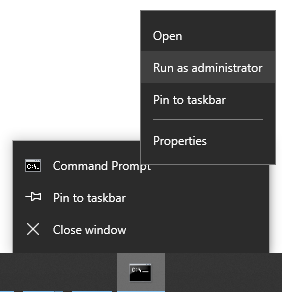 |
| Use the administrator command window to run the commands | 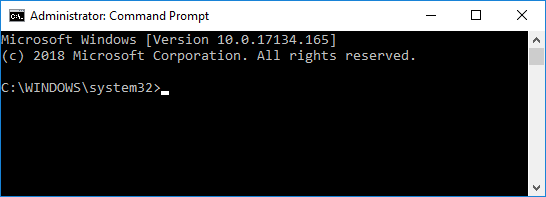 |
Exporting a registry branch
As part of a troubleshooting request we may ask for an export of a specific Windows registry branch. Start Regedit from a Windows command prompt and use its Export function:
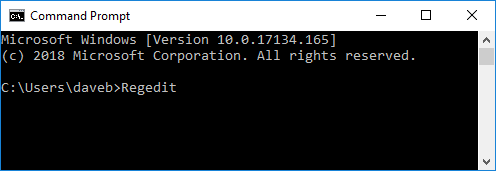
In this example we requested an export of the registry branch HKEY_LOCAL_MACHINE\SOFTWARE\Microsoft\Wisp\Pen\Digimon:
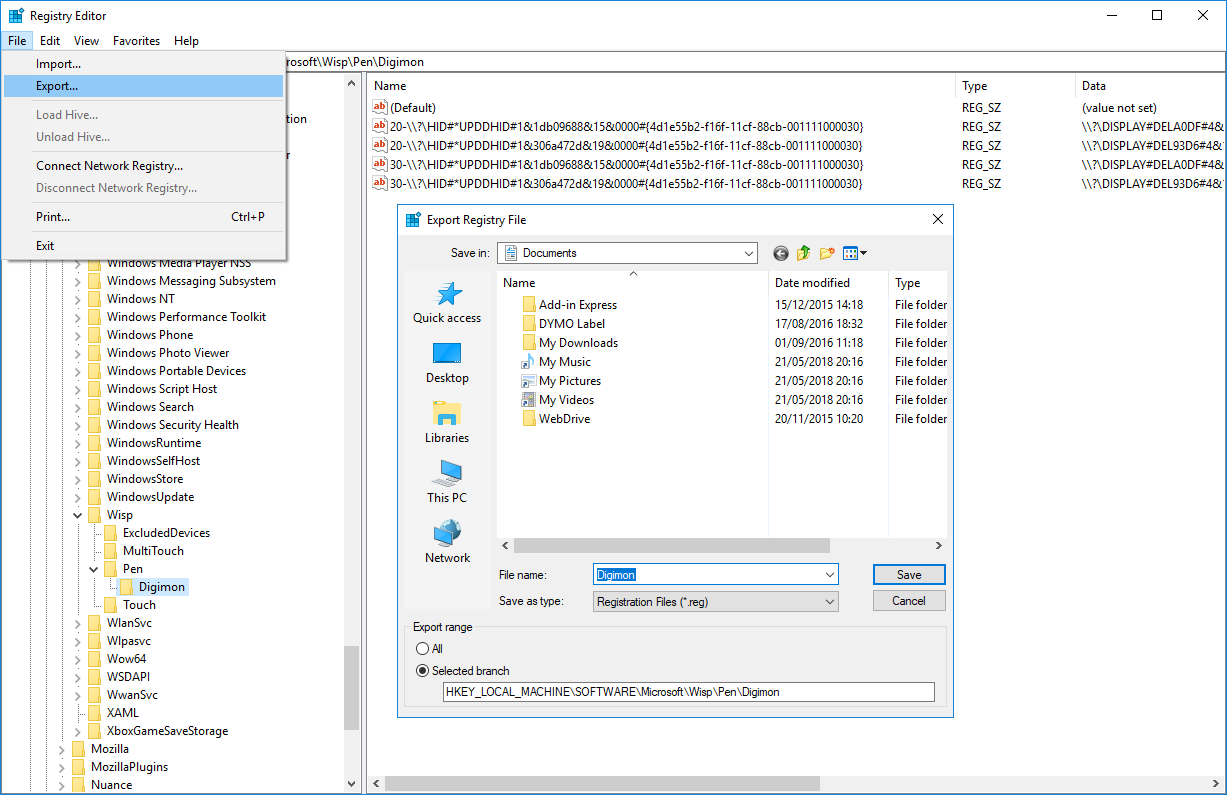
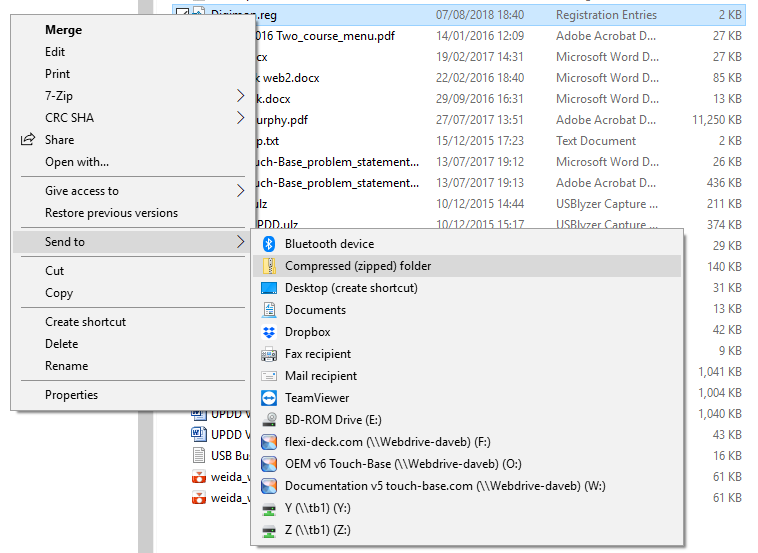
The export creates the file digimon.reg. Compress it into a .zip file before attaching it to your ticket, as .reg attachments are often blocked: